
What it does
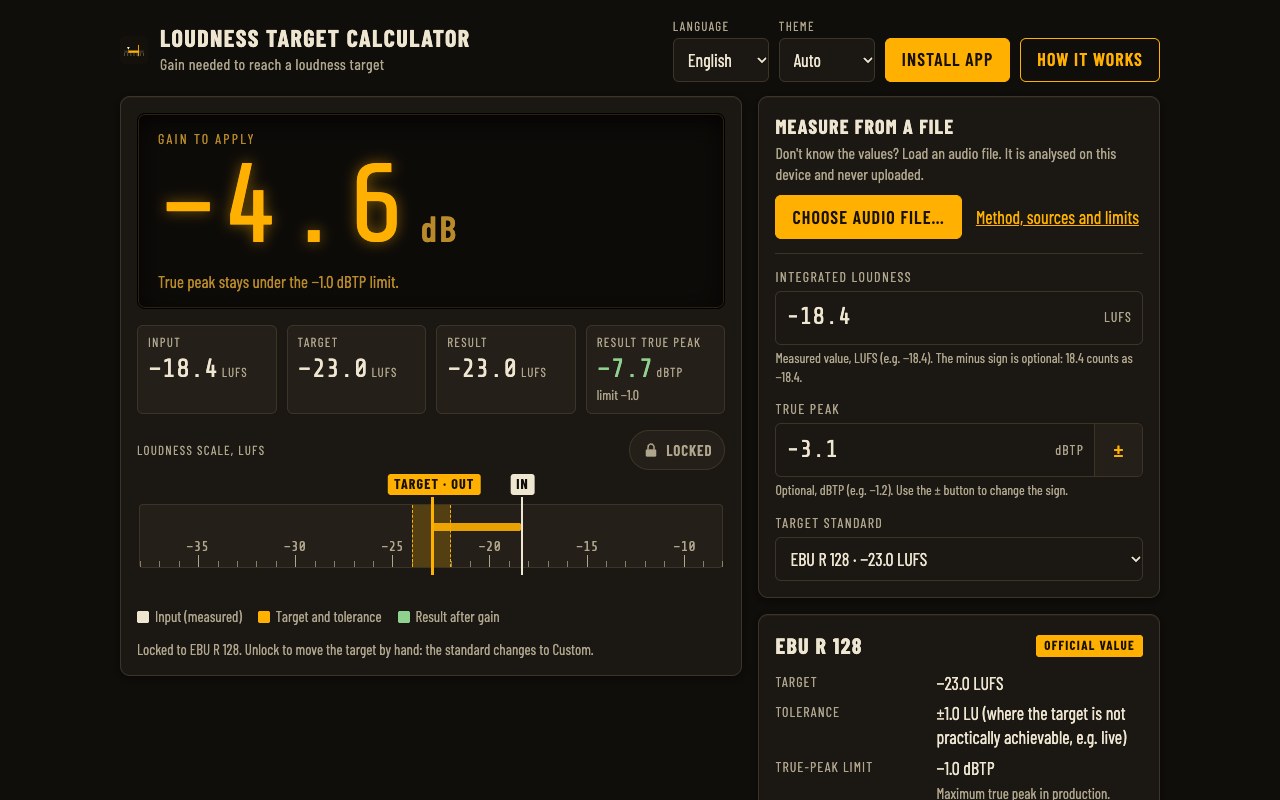
Enter the loudness of your file, pick a standard and read the gain to apply. The true peak is checked for you.
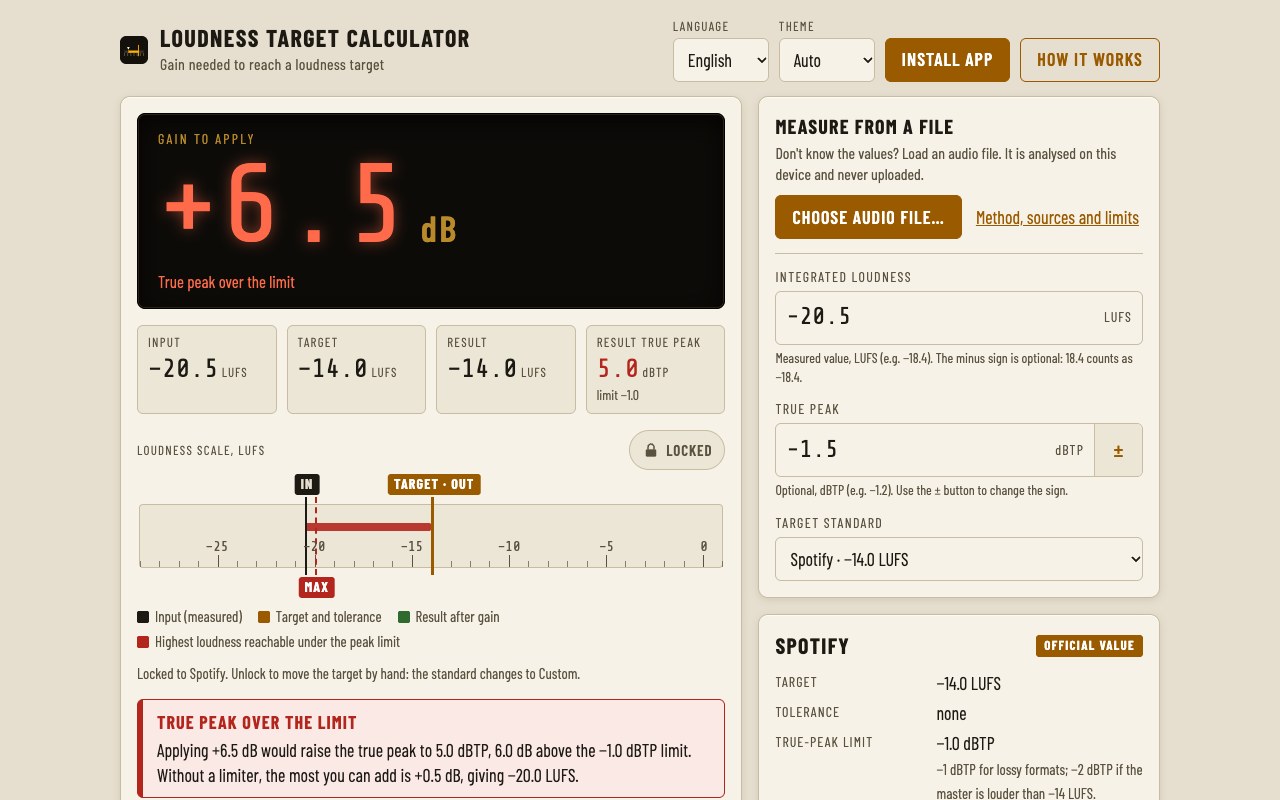
- Gain to your target. Target minus measured loudness, in dB, with the resulting loudness and true peak.
- Standards with sources. EBU R 128, ATSC A/85, Spotify, Apple Podcasts and more. Each value is marked official or recommended, with its source.
- True-peak check. A warning when the gain would push the true peak over the limit, and the most gain you can add without a limiter.
- Wheel scale. Input, target and result on one scale. Unlock it and drag or scroll to try your own target.
- Platform playback. What a streaming platform would do to your file as it is: raise it, lower it or leave it.
- Measure from a file. Loudness and true peak (ITU-R BS.1770) measured in your browser. The file is never uploaded.
Where it helps
For anyone delivering audio to a loudness spec: radio and TV programmes, podcasts, streaming masters, or house and client targets you set yourself. Not a certified meter: for contractual deliveries, use a certified one.
Screenshots
Quick start
- Enter the loudness of your file, or choose an audio file to measure it.
- Pick the target standard.
- Read the gain to apply, and check the true-peak warning.
Changelog
- 2026.9.6 · 2026-09-29 · Loudness fields need no sign button: 18.4 counts as −18.4. The true-peak fields keep a ± button.
- 2026.9.5 · 2026-09-29 · Installable and works offline, always opens in English, movable target on the scale (locked on presets), accuracy audit and mobile polish.
- 2026.9.2 · 2026-09-29 · Loudness measurement validated against the official EBU test set.
- 2026.9.1 · 2026-09-29 · First public release: gain to target with a true-peak check, and measurement from an audio file.